Account Activation & Sign In
Initial Sign In
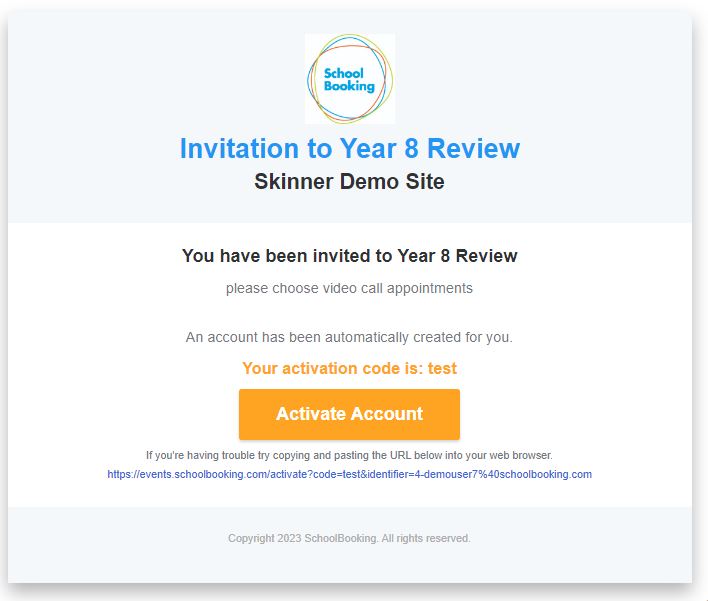
You will receive an invitation email from your school with a link to 'Activate Account'. If you haven't received it, contact your school directly and check your spam/junk folders (search for emails from noreply@schoolbooking.com).
The 'Activate Account' link opens https://parents.events.schoolbooking.com/ and prompts you to create a password.
Invitation email example
Future Sign In
Next time you sign in, enter your email address (the one your school sent the invitation to) and your password.
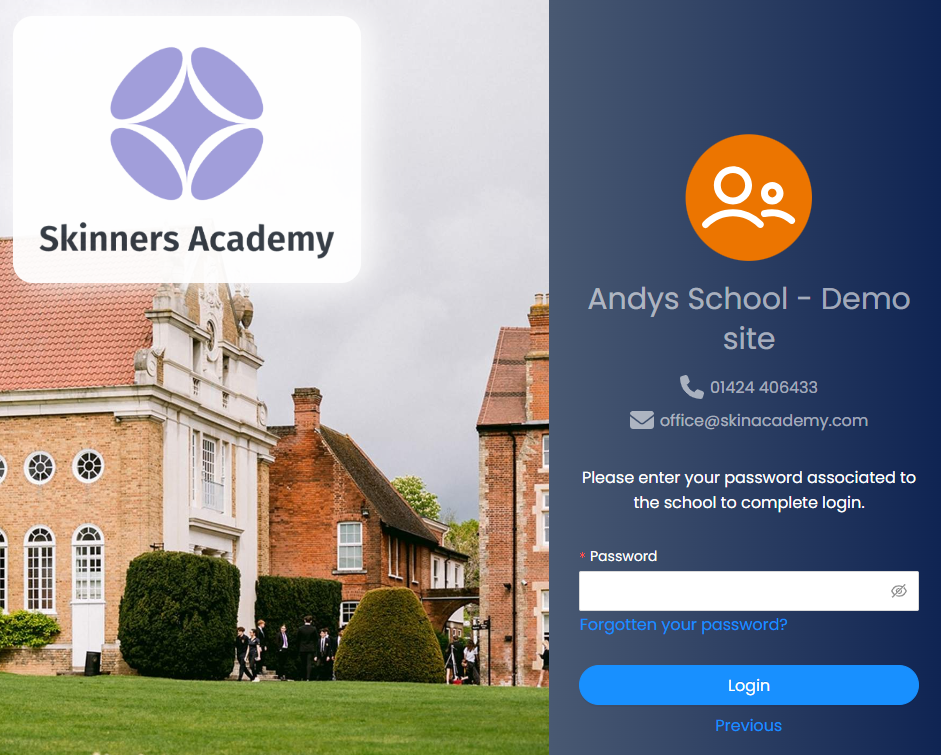
We recommend bookmarking https://parents.events.schoolbooking.com/ in your browser: