Activation & Sign In
Initial Sign In
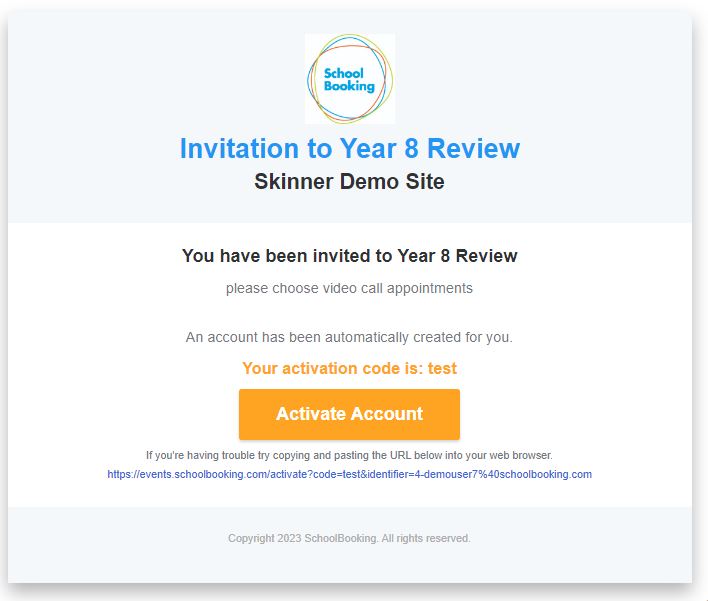
You will receive an invitation email from your School that provides a link to ‘Activate Account’. If you are expecting an email and it has not been received, please contact your school directly. Also check your spam/junk mail folders (search for emails from noreply@schoolbooking.com).
Using the 'Activate Account' link contained in the email will open your browser to https://parents.events.schoolbooking.com/ and ask you to create a password for your account.
Invitation email example
Future Sign In
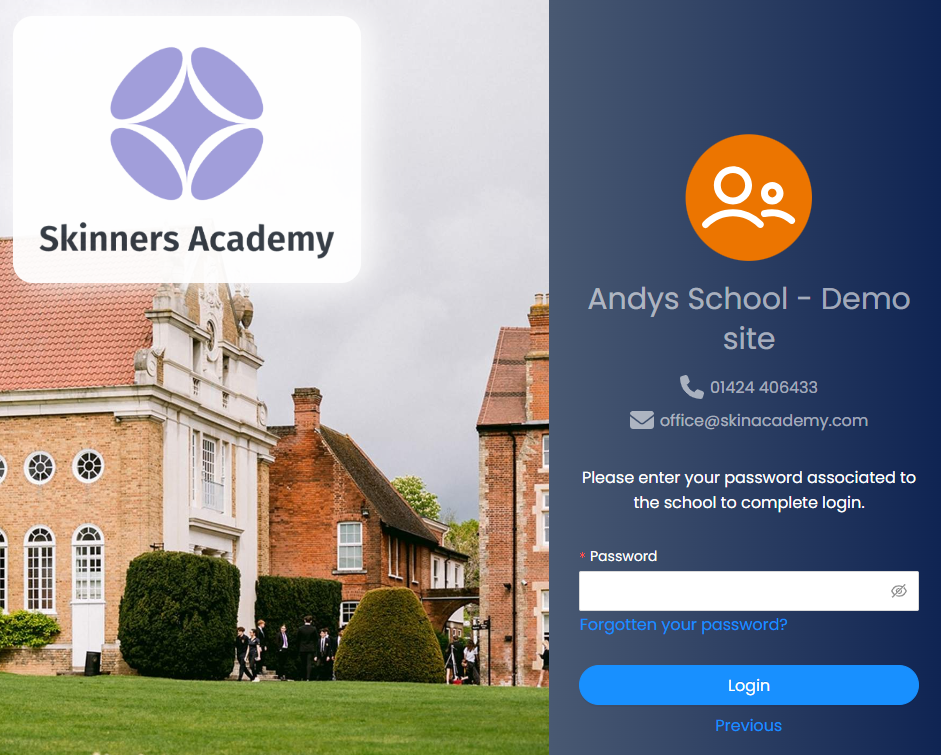
The next time you Sign In you will be asked for your email address (this will be the email address the school sent the invitation too) and the password you created.
We recommend you either bookmark or add https://parents.events.schoolbooking.com/ as a favourite in your chosen browser. Here are browser links to guide on how to manage bookmarks: