How do I remove year 11 and year 13 lessons from booking planner
You would normally remove or suspend the lessons in your MIS and this will then update SchoolBooking. However, it can be quicker and easier to do it in SchoolBooking.
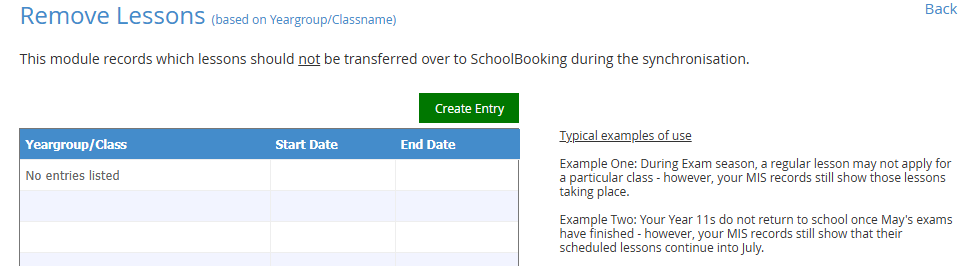
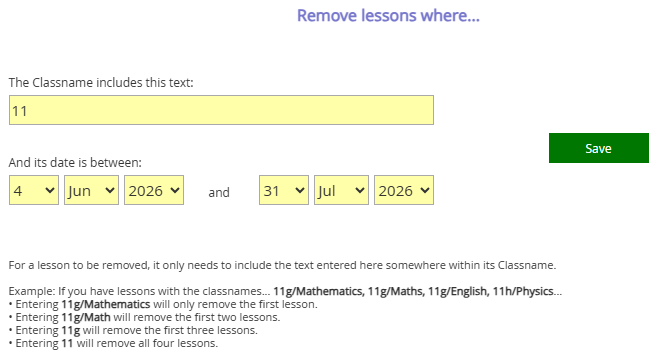
Go to Administration - MIS integration - Settings - Configuration tools. Here's you will see an option to 'Remove lessons (based on classname)'. Read the examples of use and create your entry.