Print or Email Your Itinerary
Once you've booked all your appointments, you can print and/or email your itinerary.
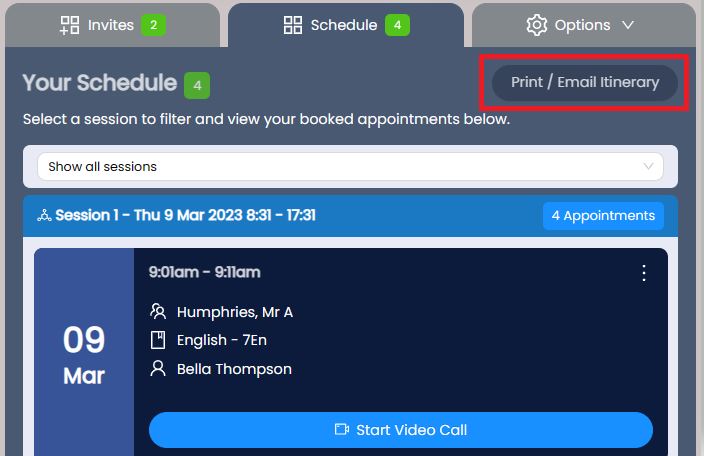
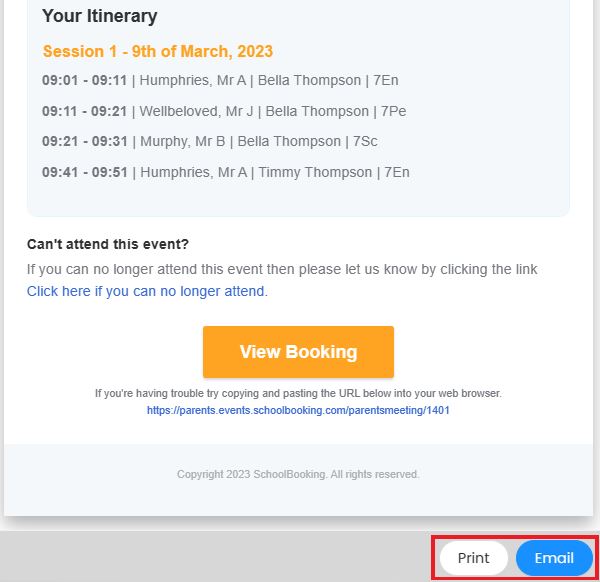
Go to Your Schedule and click the Print / Email Itinerary button. You'll see a preview of what you're going to print or email. Make your selection to confirm.
Your school may also send you a reminder email of your appointments prior to the event start date.