Add or Delete lessons to your event
For Event Managers & Administrators
Add Lessons
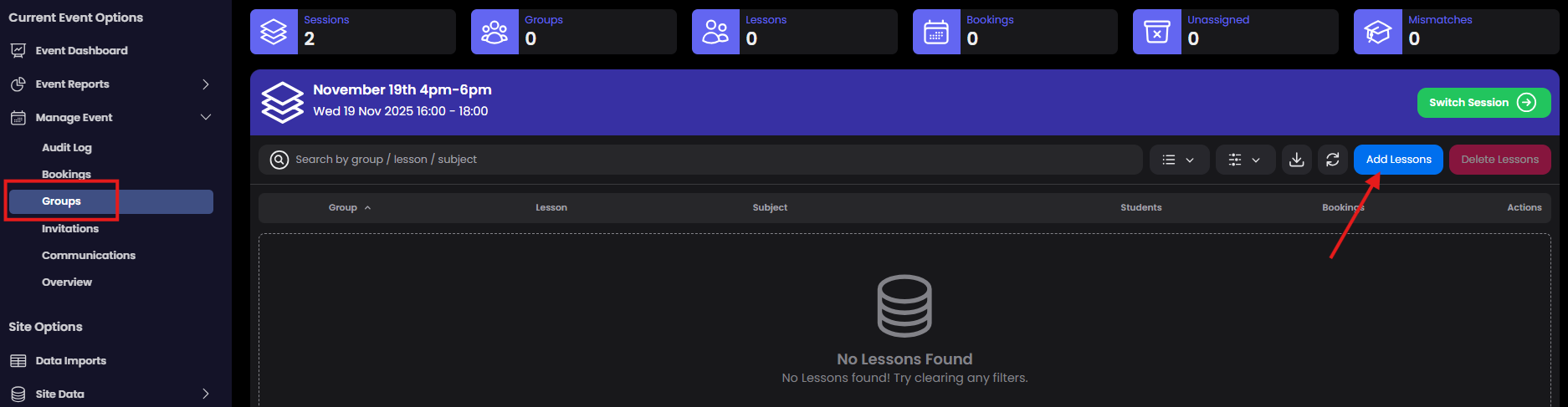
If you have just created your event you will be prompted to add lessons. You can add/remove lessons from your event at anytime. Select Manage Groups from the navigation to get started and select 'Add Lessons'
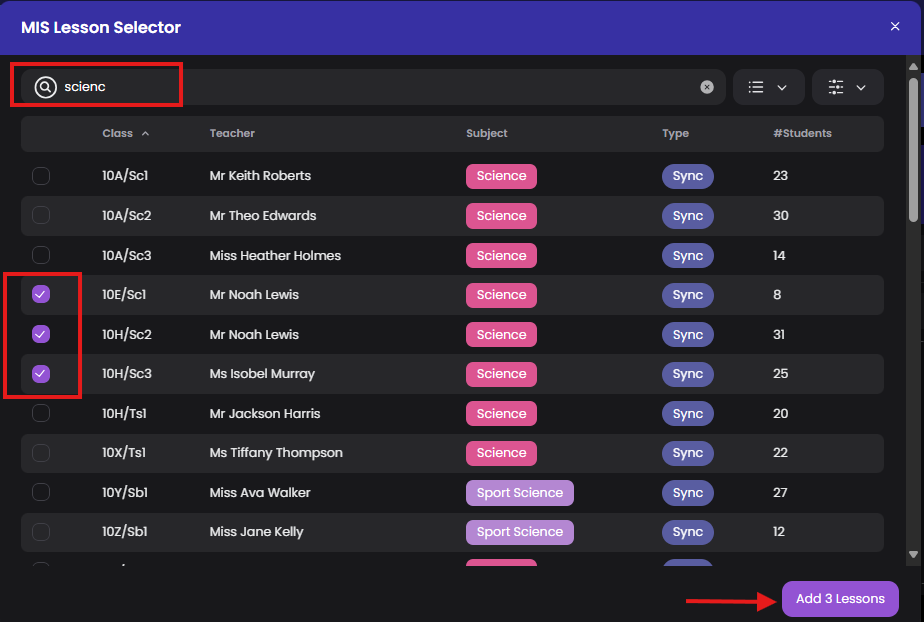
In the MIS lesson selector modal, search through your data by class ref, teacher or subject. Add the lessons you need (note: your MIS data will show the main class teacher. if you need a different teacher for a class you can re-assign later)
If your event has more than one session, remember to switch session and add lessons as required

Delete lessons
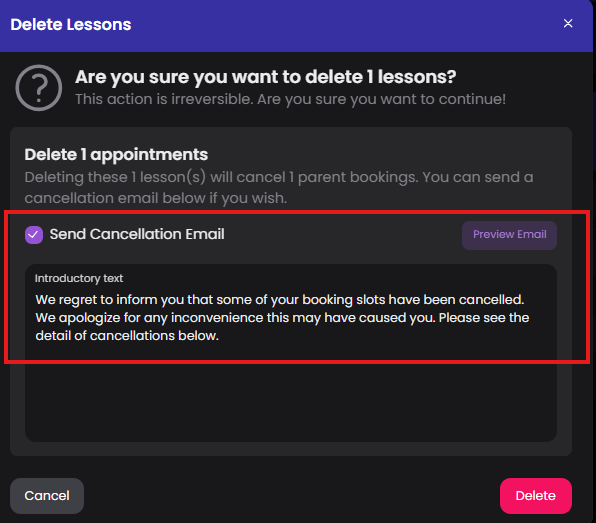
You can delete lessons from your event at anytime. However, if the lesson has parent bookings these will be cancelled. Select the lesson you want to delete from the event.

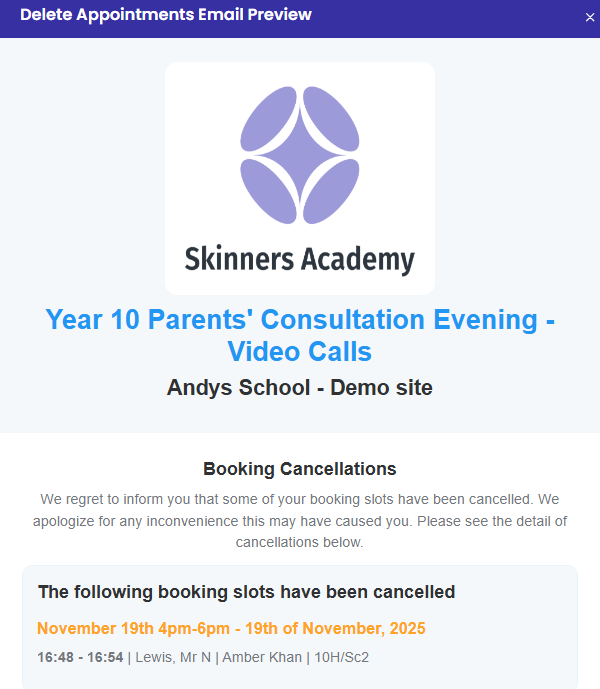
If the lesson has parent bookings you have the option to send the parents a cancellation email with a custom message. Preview the email before confirming 'Delete'.