Add Terms & Conditions URL to hirer emails
In situations where you need you hirers to agree to Terms & Conditions or perhaps confirm insurance details you can you include an 'extra Email Message' in the confirmation email. This works by providing a external link to a webpage that hirers can download the document(s) from (you probably already have this document saved online, but if not ask you IT Team for help)
This requires a small amount of html knowledge to complete and we provide an example.
Go to Administration - Lettings - Facility Manager, then open the Email Message.
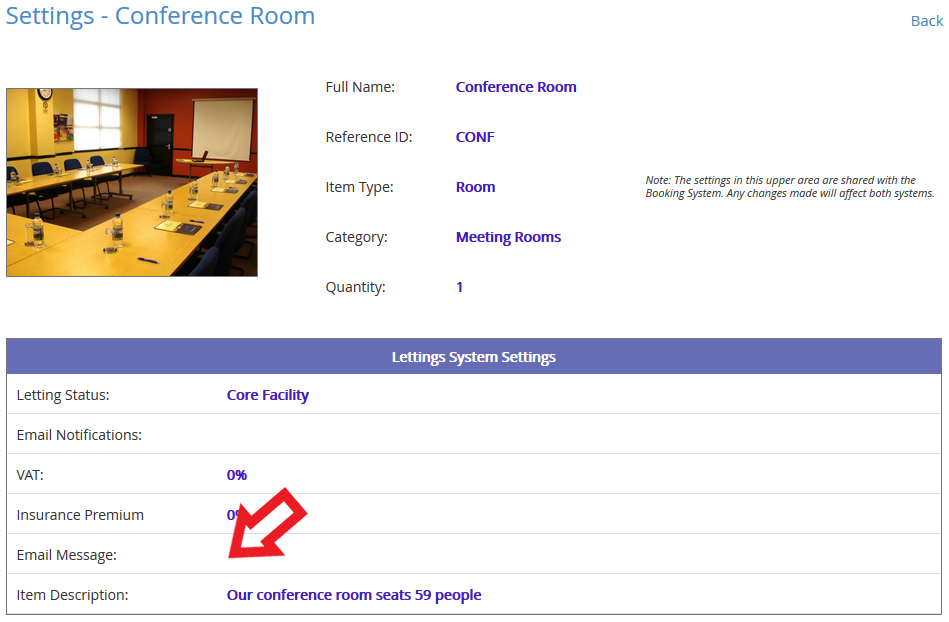
In the Email Message window add the following html tag (this is an example, but adjust the text and URL as required) :
Click <a href='http://www.google.com'>here</a> to view our Terms and Conditions
Will show in the actual email as...
Click here to view our Terms and Conditions