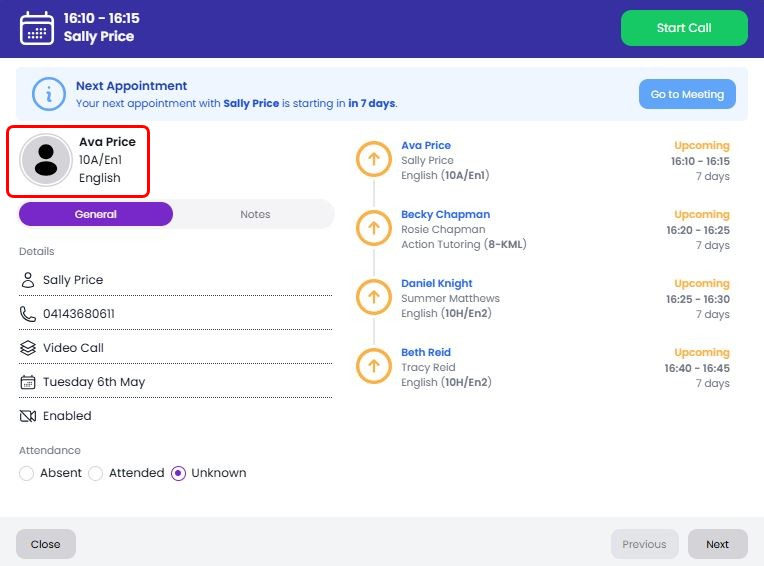
Adding student thumbnail images to Teachers login
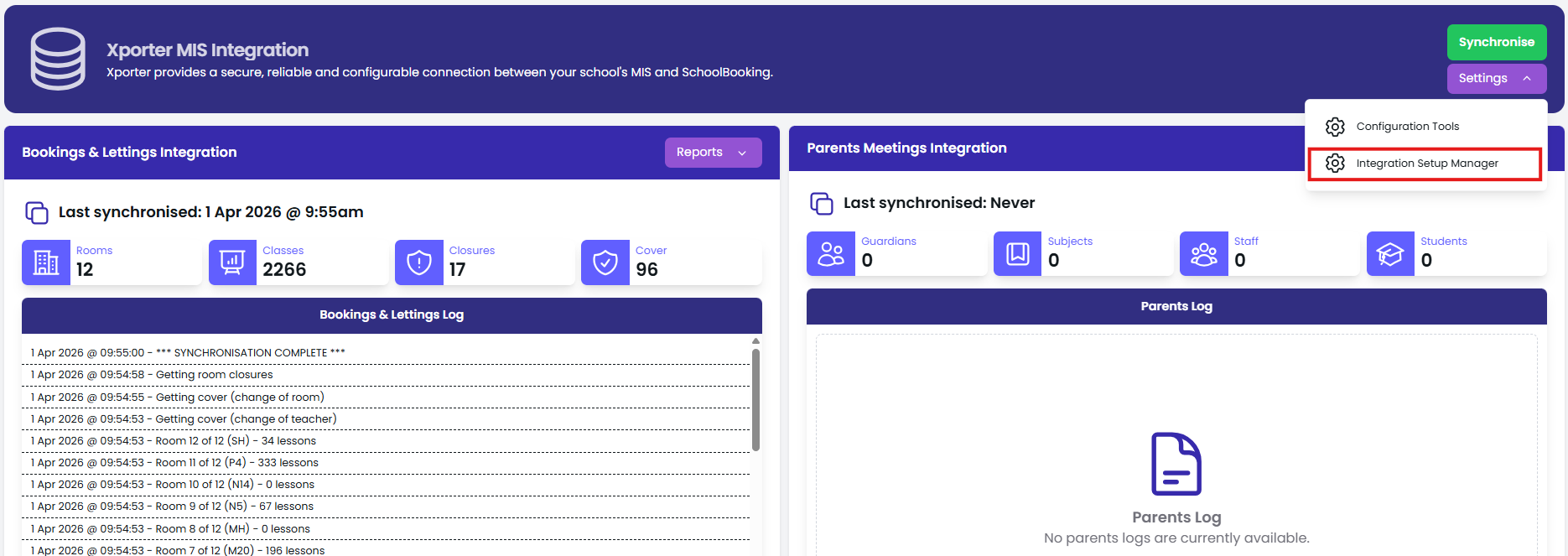
If you would like to see thumbnail images of each student for the teachers login you will need to quickly re-authorise the permissions in Xporter. To do this, in SchoolBooking go to Administration - MIS Integration and select 'Settings- Integration Setup Manager'
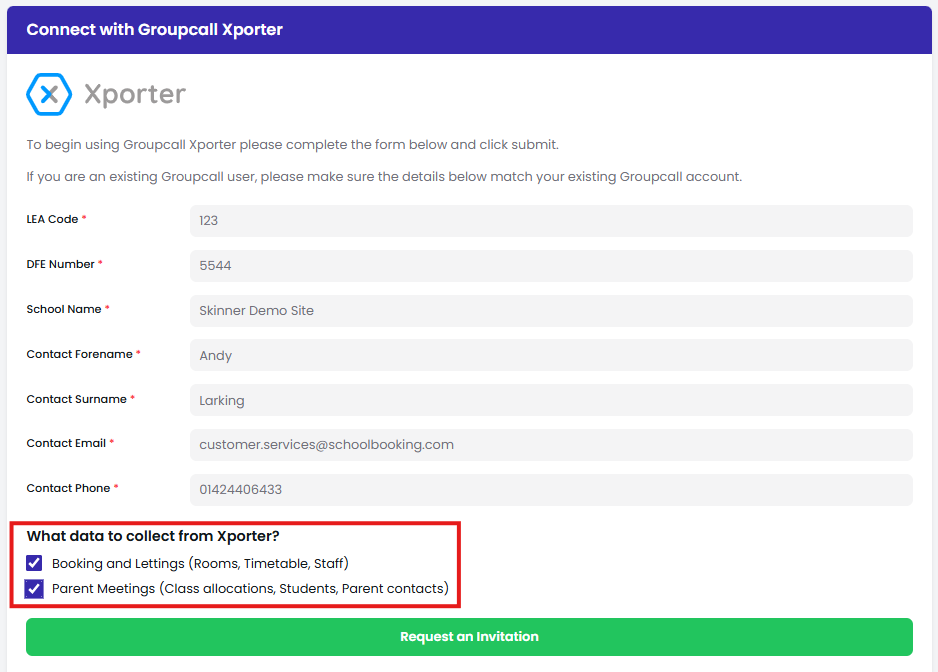
You will see your LEA and school contact details of the current configuration. Without changing any details just select 'Request an Invitation' to receive a new invitation email from Xporter. This will direct you the the Xporter School Portal. Follow the steps within Xporter to re-authorise the SchoolBooking app.
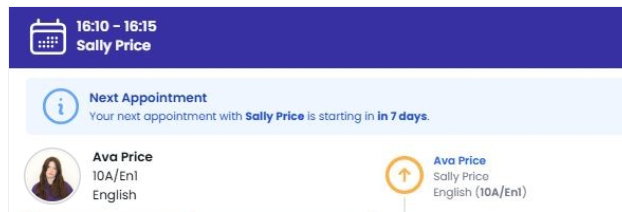
After the re-authorisation has been completed you will need to wait a short while for the next import from your MIS. Your teachers will then be able to see images of the students for each meeting.
If you do not see an update within 24 hours please contact our customer services team or raise a support ticket.