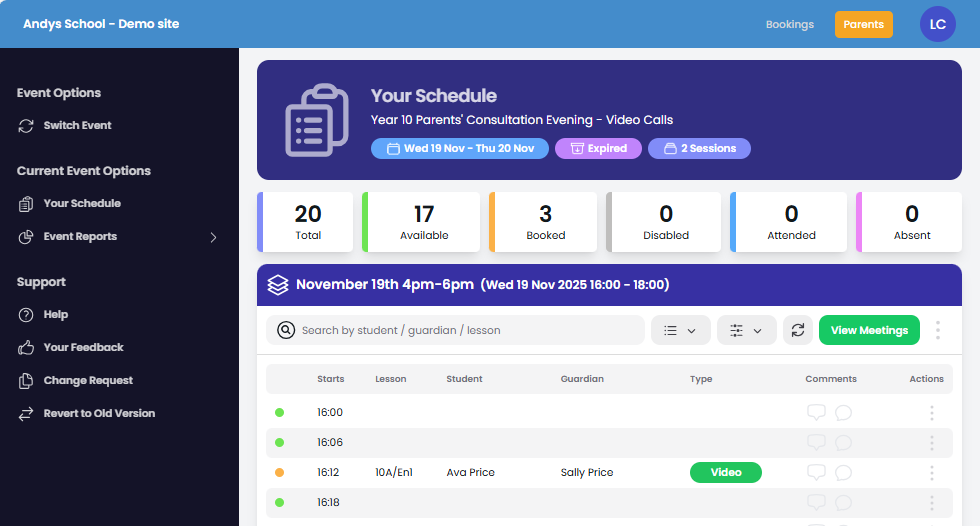
Light and Dark Themes
Change your user interface color schemes.
Light mode uses dark text on a bright background (classic look), while Dark mode uses light text on a dark background, reducing eye strain in low light, saving battery on OLED screens, and improving visual comfort.
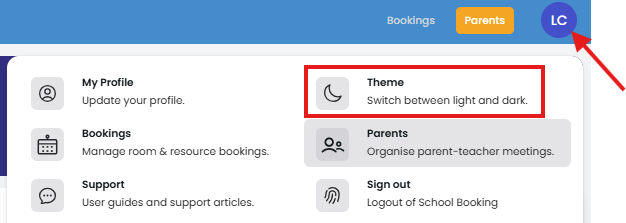
To switch themes: Select your profile.
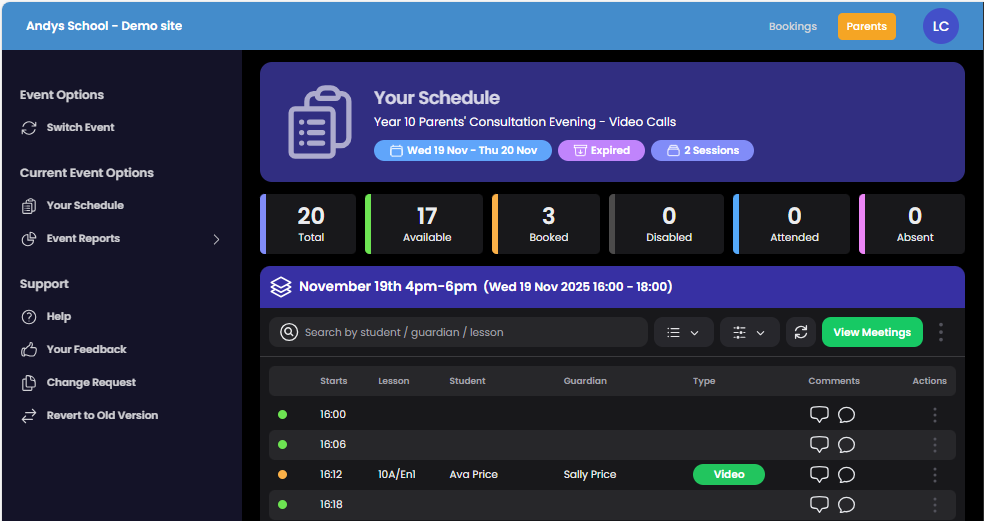
Dark Theme
Light Theme