Non-Attendance Option for Parent Bookings
The Booking Confirmation email includes an option for parents to mark themselves as 'not attending'. Event managers can remove these bookings manually or automatically, freeing up slots for other parents or those on the waiting list.
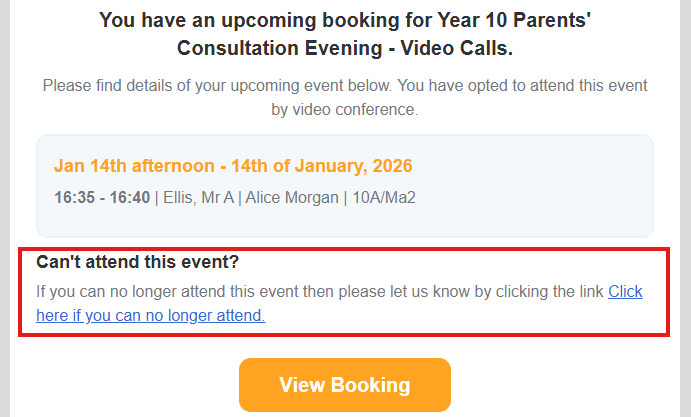
The Booking Confirmation email is sent to parents a couple of days before the event and includes the appointment itinerary, a link to the event page, and a non-attendance option.
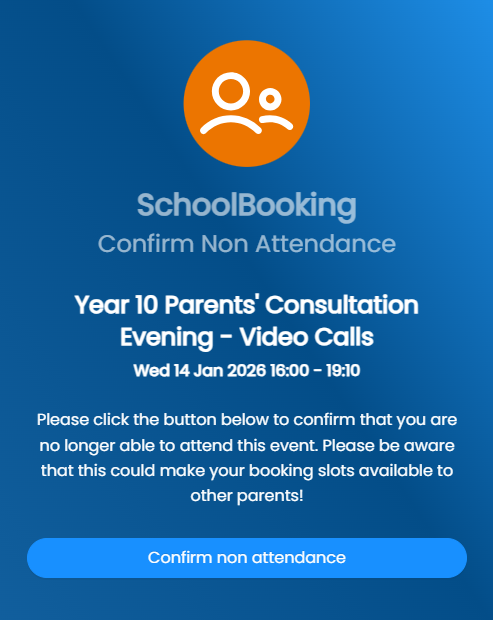
The link opens in a browser and asks the guardian to confirm.
Manual Removal
Go to Manage Event > Bookings and filter by cancelled. Select the cancelled guardian bookings and delete.

Auto Unbook
Go to Site Settings to find the auto unbook option. When enabled, parent bookings marked as not attending are cancelled and deleted automatically.
